
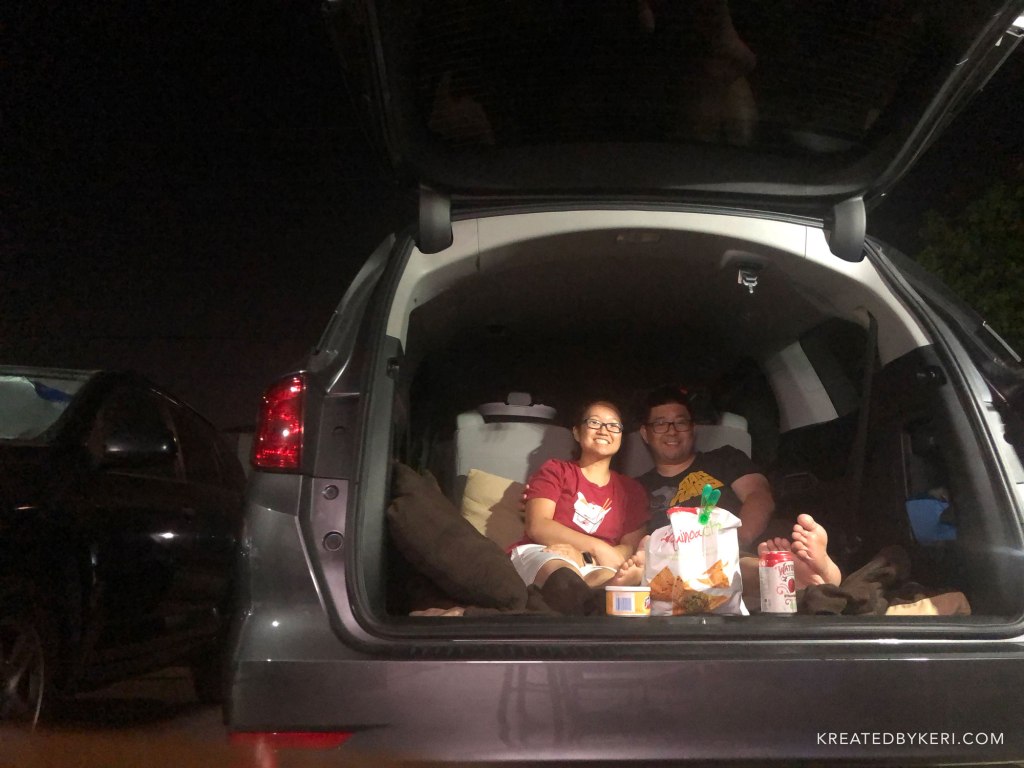
Desperate to do something fun somewhat social while staying safe at home, Jerod and I came up with the idea of turning our garage and drive way into our very own drive in movie theater.
Some of the links below are affiliate links. That means if you click on them and buy the item, I get a small commission at no extra cost to you. This helps offset the cost of running this blog.
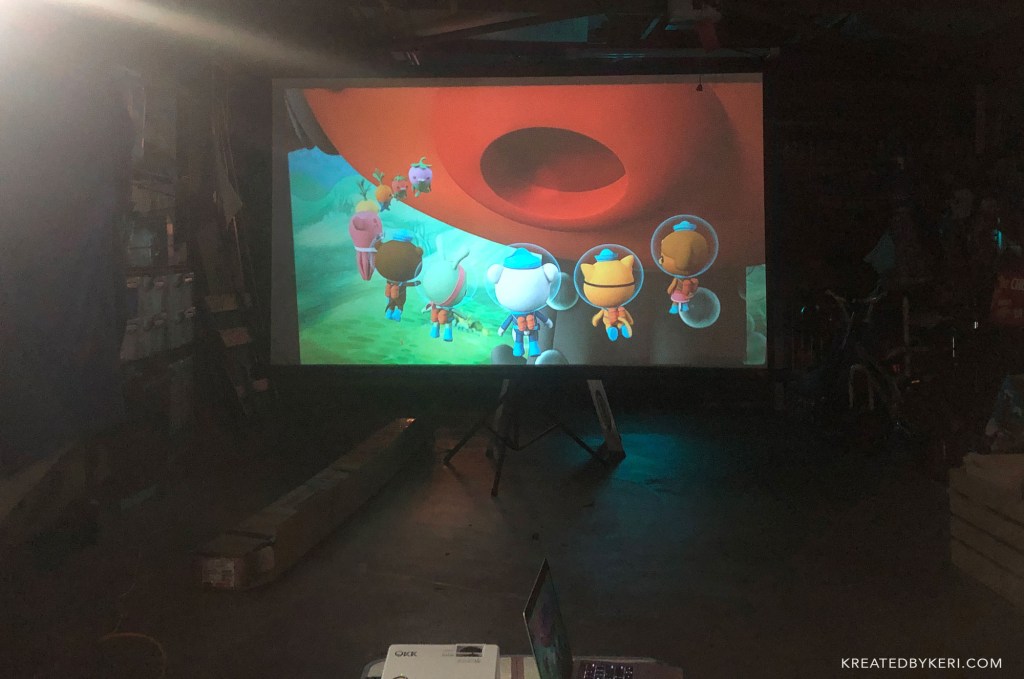
We still had our projector screen from our wedding (turns out that was a great investment!) and borrowed a friend’s mini projector (we ended up buying our own and it’s been working great!). We didn’t want to bother our neighbors by having an actual speaker/sound system blaring so we came up with the idea of using our wireless bluetooth speakers that could be linked together so that we could invite a second car to sit in our drive way and listen to the movie through one speaker while we had the other one. Though we discovered some latency issues initially, we solved using a workaround (described below).
THE SET UP
Equipment needed:
- Projector: QKK Mini Projector – We borrowed our friend’s and ended up buying the same one since we liked it so much and it was affordable!
- Wireless speakers: OontZ Angle 3 Ultra (4th Gen) – These were recommended by a friend a few years ago because he was using them at church and I was impressed with the sound and the ability to link two of them together. I use them for all sorts of things at church and background music at events. Worth having in your bag of audio/visual stuff!
- 3.5mm Audio Cable (10ft or more): Used to connect the your computer or Bluray player to the master wireless speaker.
- Projector screen: We bought ours 11 years ago and I can’t find the exact one online, but this one here is almost exactly the same and also around the same price ($120). It takes up a lot of space because it’s so long, but its awesome to have as we’ve used it for our own movie nights and have lent it out to friends and our church too.
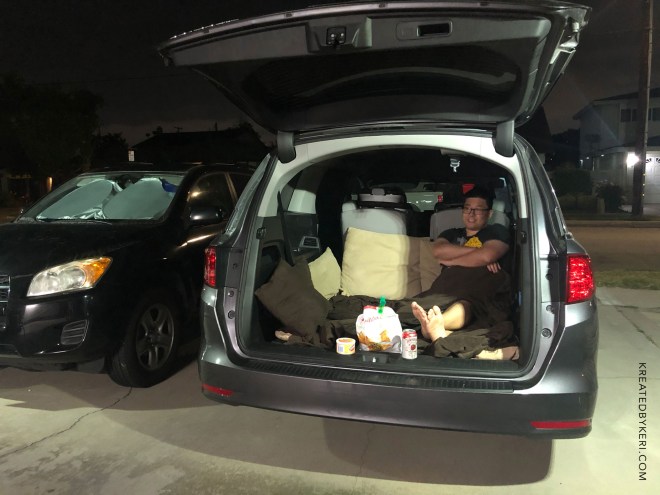
- A vehicle: During the summer we popped open the tailgate of van and all 4 of us piled in there for the movie but now in the winter we sit inside the van in the driver/passenger seats (no kids for those!) with the windows barely cracked for ventilation because it’s too cold outside. Yes, its SoCal and only 58 degrees at night, but I’m weak. It’s the perfect set up for a safe socially distanced activity!
- Snacks: A must-have at any drive-in!
Sound Issues
When testing out our bluetooth speakers we found there was a pretty significant latency problem–the sound was off by almost a whole second. If you’re used to watching movies dubbed in English this probably won’t be a problem for you, but it bothered me to see Julie Andrews’ mouth moving out of sync to “A Spoonful of Sugar.”
The problem was due to the linking of the computer to the master bluetooth speaker, and then the master speaker to the receiving speaker. After lots of googling the cheapest way to get the audio to sync up as close as possible was to hardwire the computer to the master speaker (or the projector to the master speaker, depending on if you are using an HDMI cable to connect) and then let the second speaker connect via bluetooth to the master. All we had to buy was a 10ft 3.5mm audio cable–or long enough to go from your computer to the car. The second speaker could be completely wireless and in the car of whoever our guest was.
While there is a somewhat significant up-front cost to getting your personal drive-in theater up and running, we think its totally worth it. It’s a nice change from having a movie night in the living room, plus the added bonus of watching alongside friends in a safe way during the pandemic.


Leave a Reply